Download Tithely Giving App
December 16, 2025
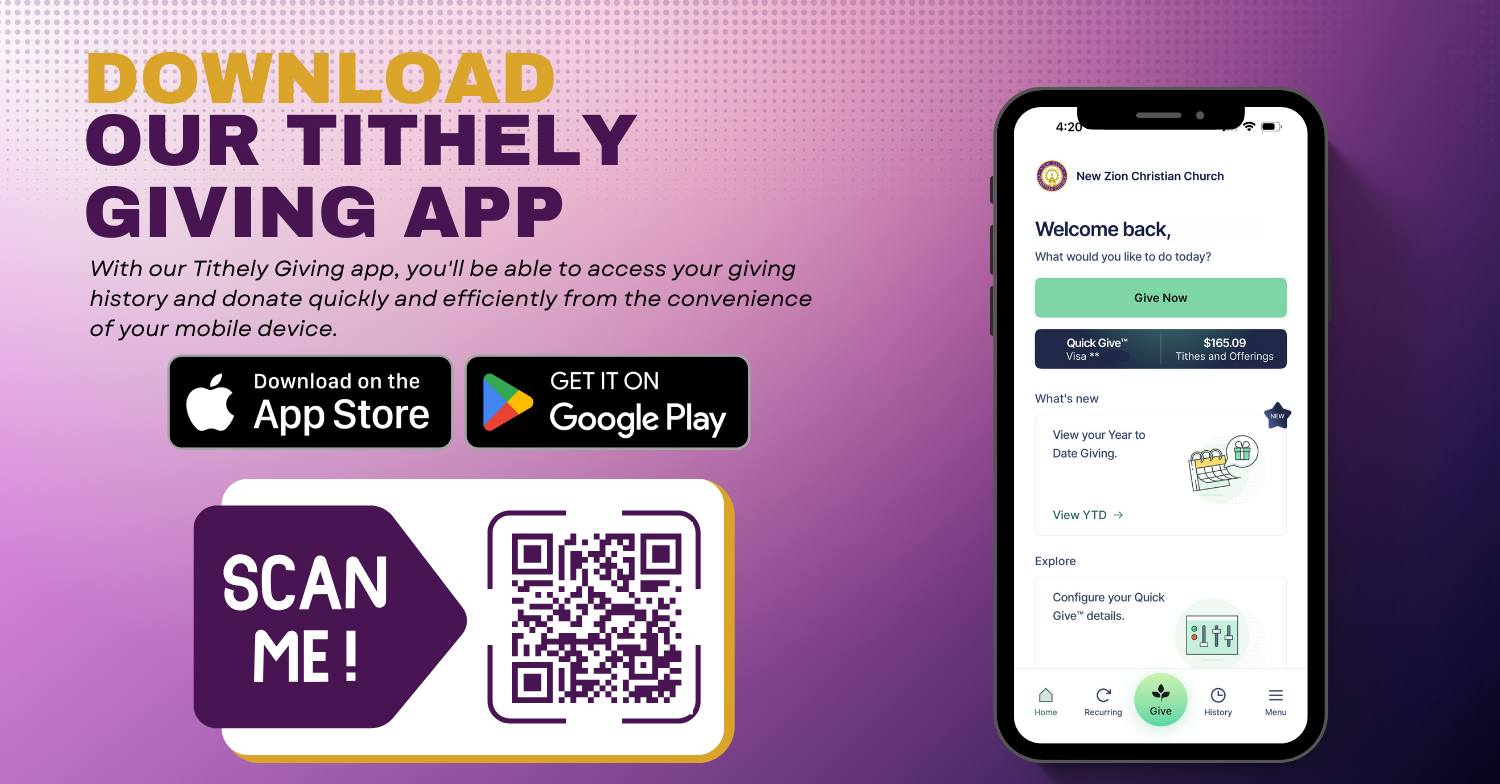
Download our Tithely Giving App for iOS or Android!
With our Tithely Giving app, you'll be able to access your giving history and donate quickly and efficiently from the convenience of your mobile device.
Here's how to get started:
- Download the App:
Begin by downloading the Tithely app on your mobile device by scanning the QR Code or clicking the link HERE. Choose the version that matches your device.
If you prefer, you can also search for "Tithe.ly" in your smartphone's app store. - Create Your Account:
Once the app is installed, open it and click "Create Account" to set up your profile. - Find our church:
--Use the search box within the app to find our church name: New Zion Christian Church.
--If you're near our church's physical location and can't locate it in the app, ensure that location settings are enabled on your device. With these settings on, tap the "Find Nearest Church" option. - Ready to Give:
Once you've found our church, you're ready to make your contribution. Simply click the "Give Now" button and fill out the giving form to complete your donation.

-
Suwanee
Office Hours
Contact
© 2026 New Zion Christian Church. All Rights Reserved.
|
Login
powered by
Website Developed by Tithely